Example gallery
A set of runnable example apps lives in
examples/.
Each exposes the same make_state() + view(app) contract, so it runs in the Qt
simulator and on the device via code-push, with no changes. Click any app
name below to read the source — every app.py opens with a docstring
explaining what it demonstrates.
# Qt simulator on desktop (needs the `qt` extra; installed by `uv sync`)
uv run python examples/<name>/app.py
uv run tempest dev examples/<name>/app.py     # + hot reload on save

# On an Android device, via LAN code-push (phase B5)
adb reverse tcp:8765 tcp:8765                 # over USB; skip on the same Wi-Fi
uv run tempest serve examples/<name>/app.py
Fundamentals
| App | What it shows | Exercises |
|---|---|---|
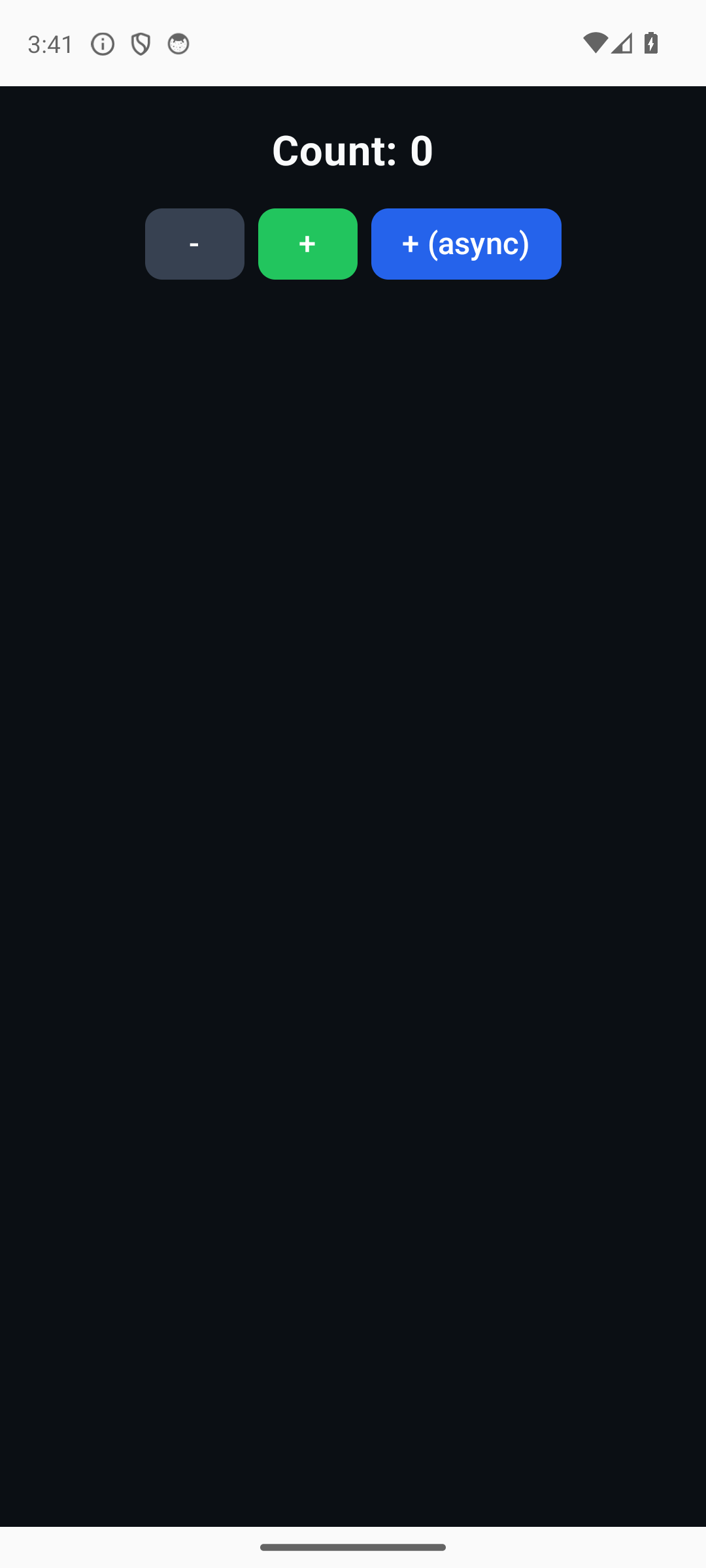
counter |
The basics: sync and async handlers mutate state and trigger a coalesced rebuild. |
Text, Button, Row/Column; update. |
stopwatch |
Async-first loop: a coroutine handler ticks via asyncio.sleep without freezing the UI (stop/reset stay tappable). |
Coalesced rebuilds driven off the loop; update. |
todo |
Type a task into the Input and tap "add"; tapping toggles done; "clear done" removes finished ones. |
Input + stable key; every child patch: insert / remove / update. |
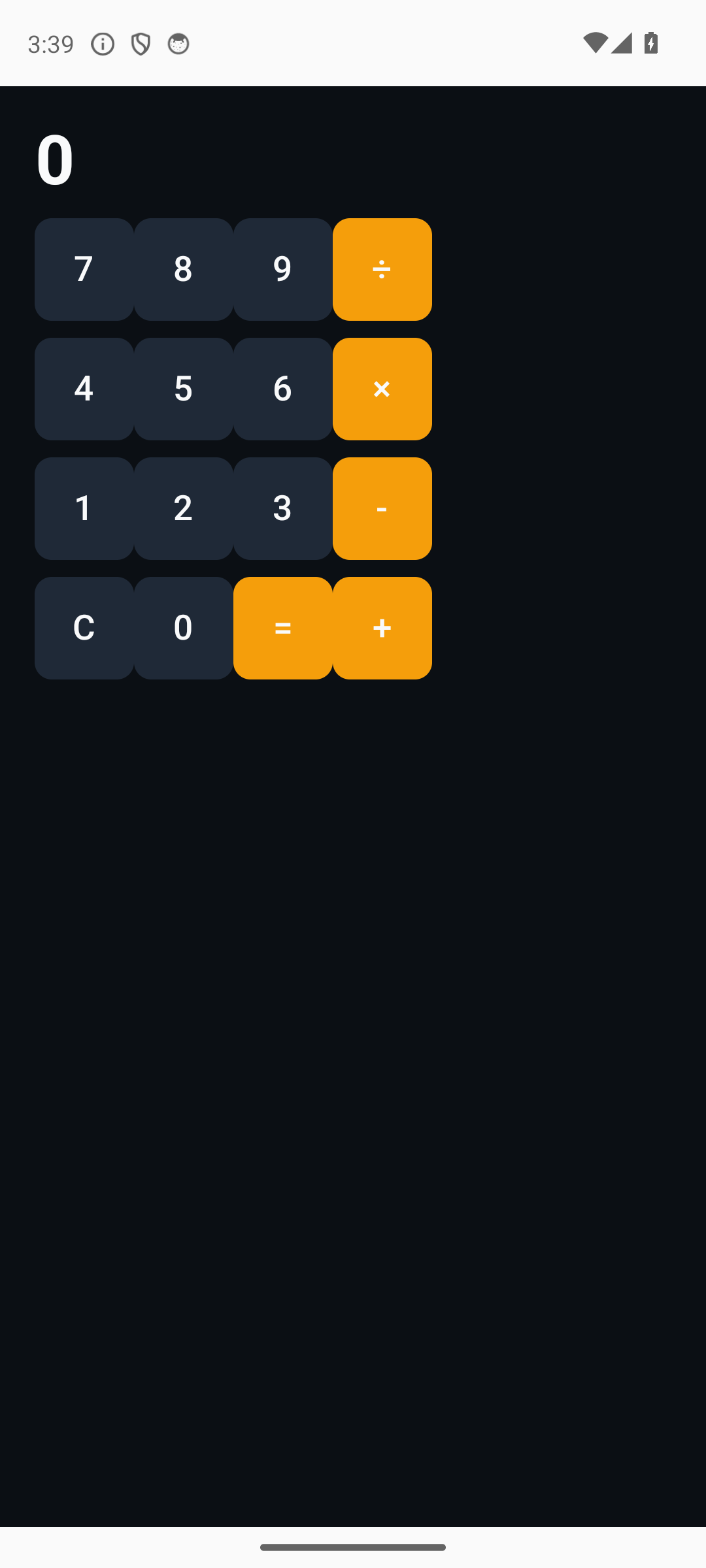
calculator |
The button grid is the input (no text widget) — a dense-layout showcase. | Nested Row/Column, keyed buttons; update on the display. |
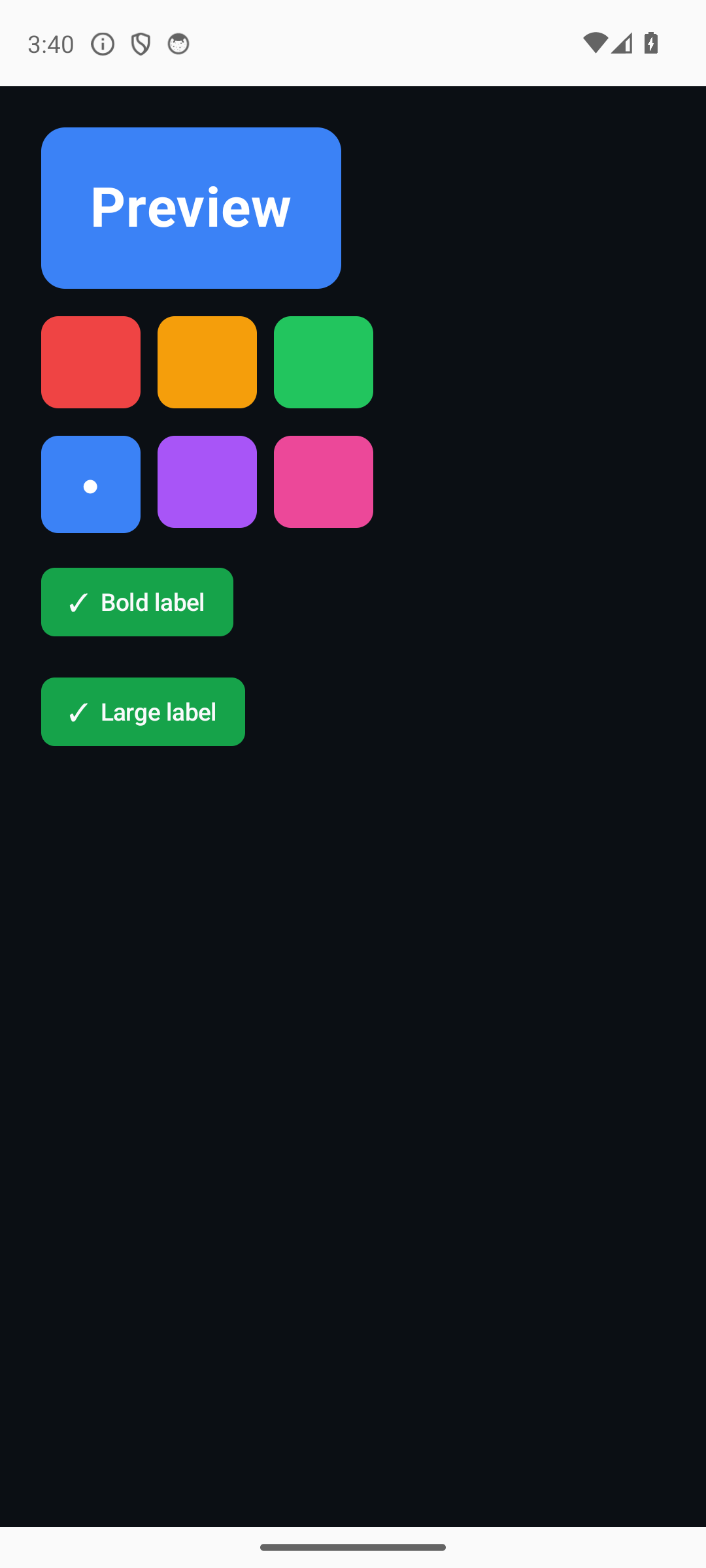
colorpicker |
Dynamic Style: swatches re-color a live preview; toggles re-style its text. |
background / font_size / font_weight through the diff. |
Components & shell
| App | What it shows | Exercises |
|---|---|---|
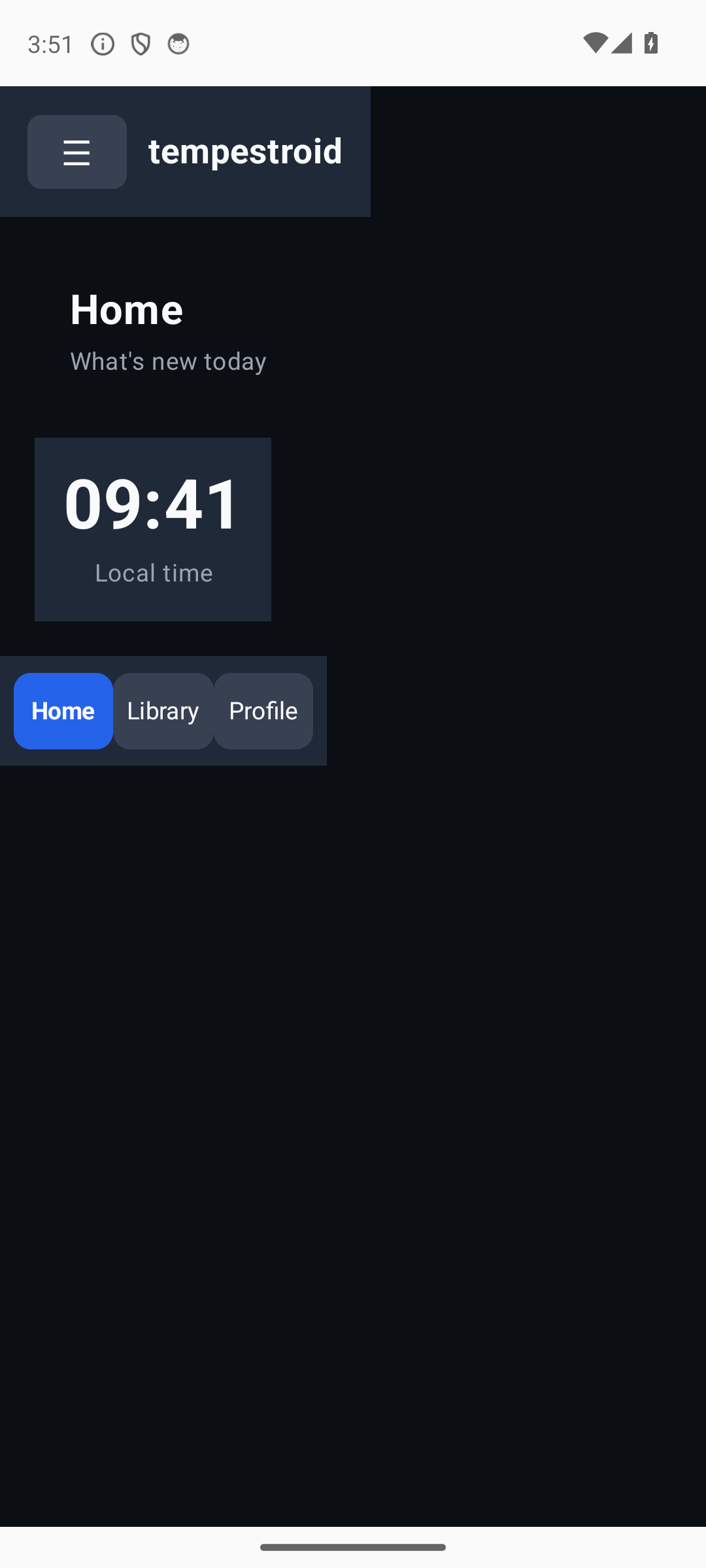
shell |
A full screen built from the composite components: Scaffold + AppBar (with Burger/Drawer) on top, NavBar at the bottom. |
tempestroid.components lowered to primitives via Component.render. |
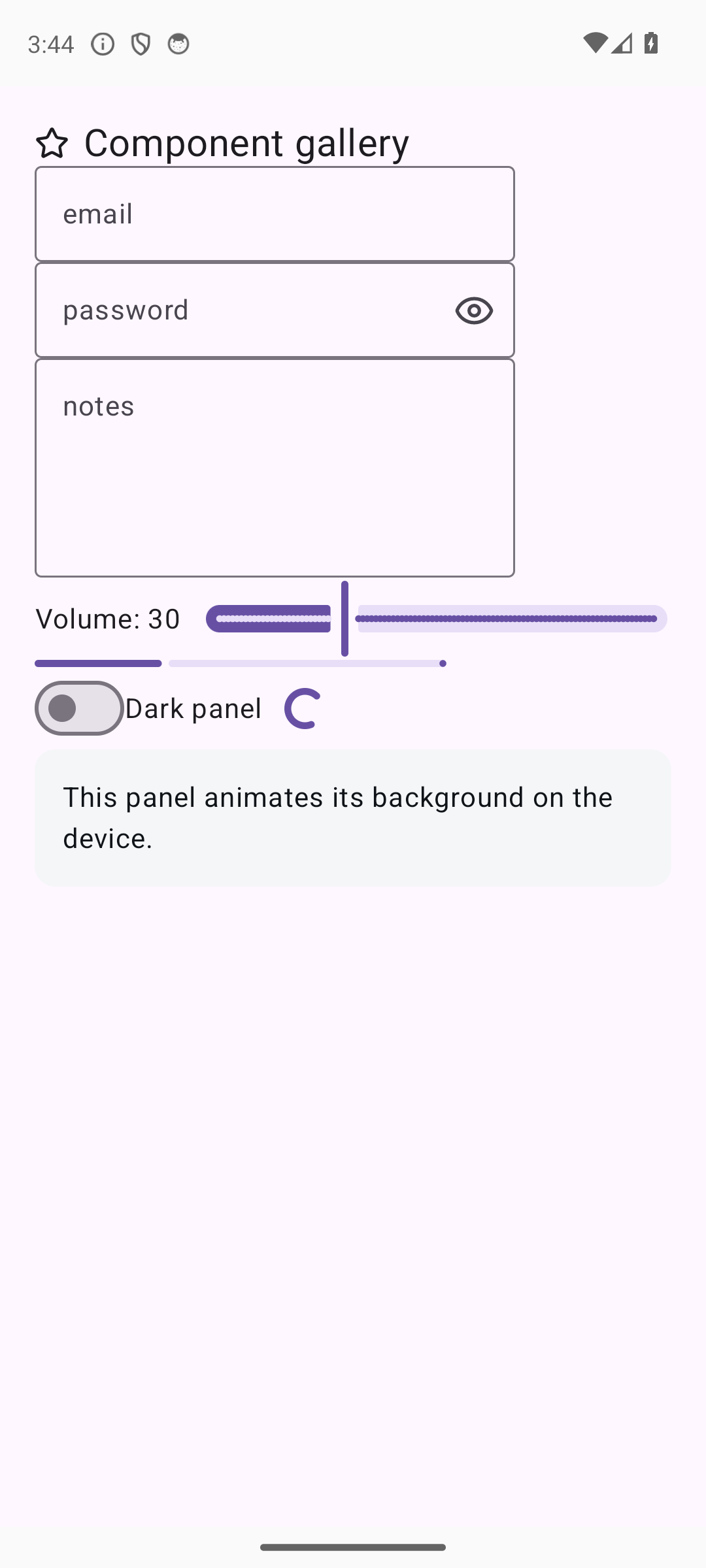
gallery |
Utility widgets + input styling + an implicit Style transition. |
Slider/Switch/ProgressBar/Spinner/Image/Icon/ScrollView/TextArea; secure + regex Input; Style.transition. |
Track E — Flutter/RN parity
| App | What it shows | Exercises |
|---|---|---|
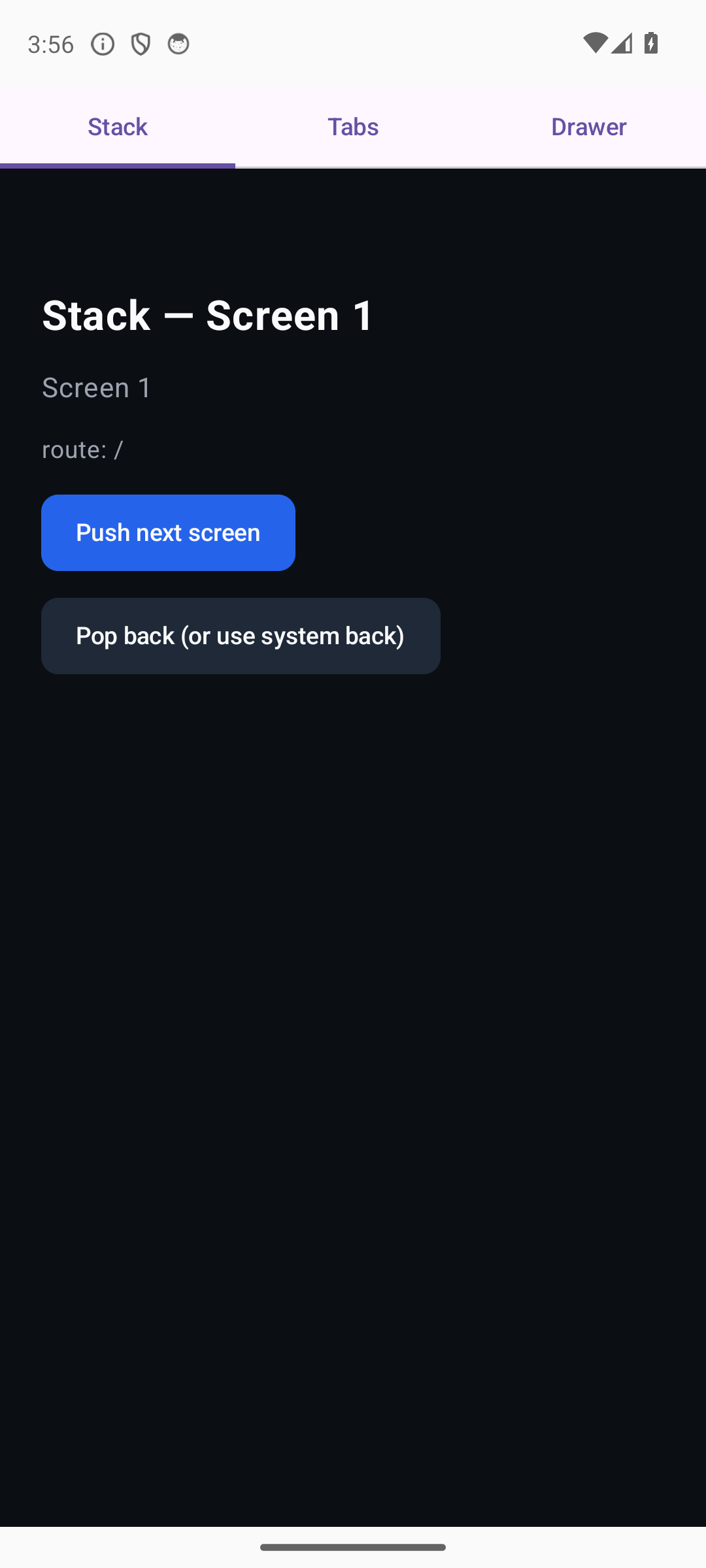
navigation |
The three navigation hosts: animated push/pop stack, tabs and drawer. | Navigator / TabView / RouteDrawer (E0). |
tabs |
A persistent tab bar swaps the body across 3 panels; shared state survives the switch. | The canonical tabbed-navigation pattern. |
lists |
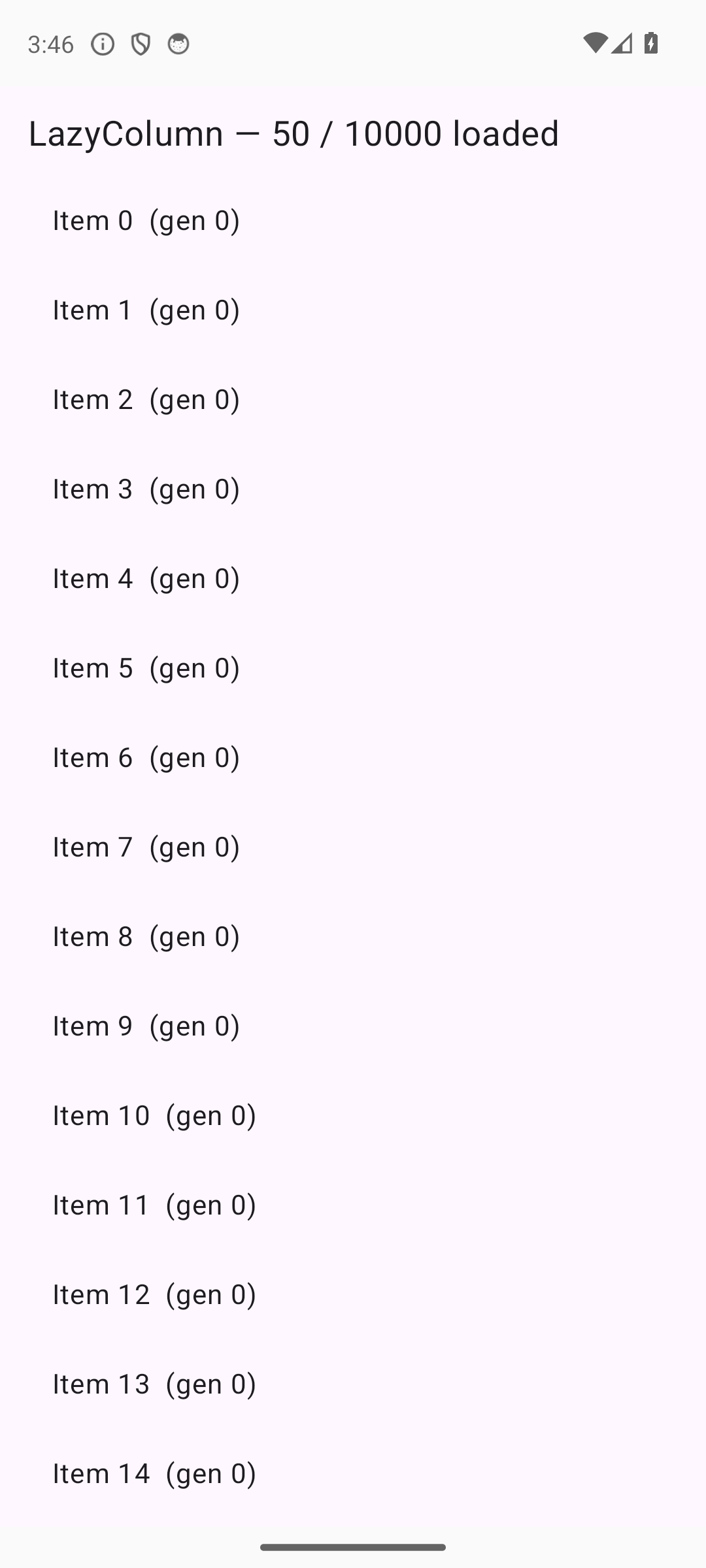
A 10k-item LazyColumn + pagination + pull-to-refresh, and a SectionList with sticky headers. |
Windowed virtualization (E1). |
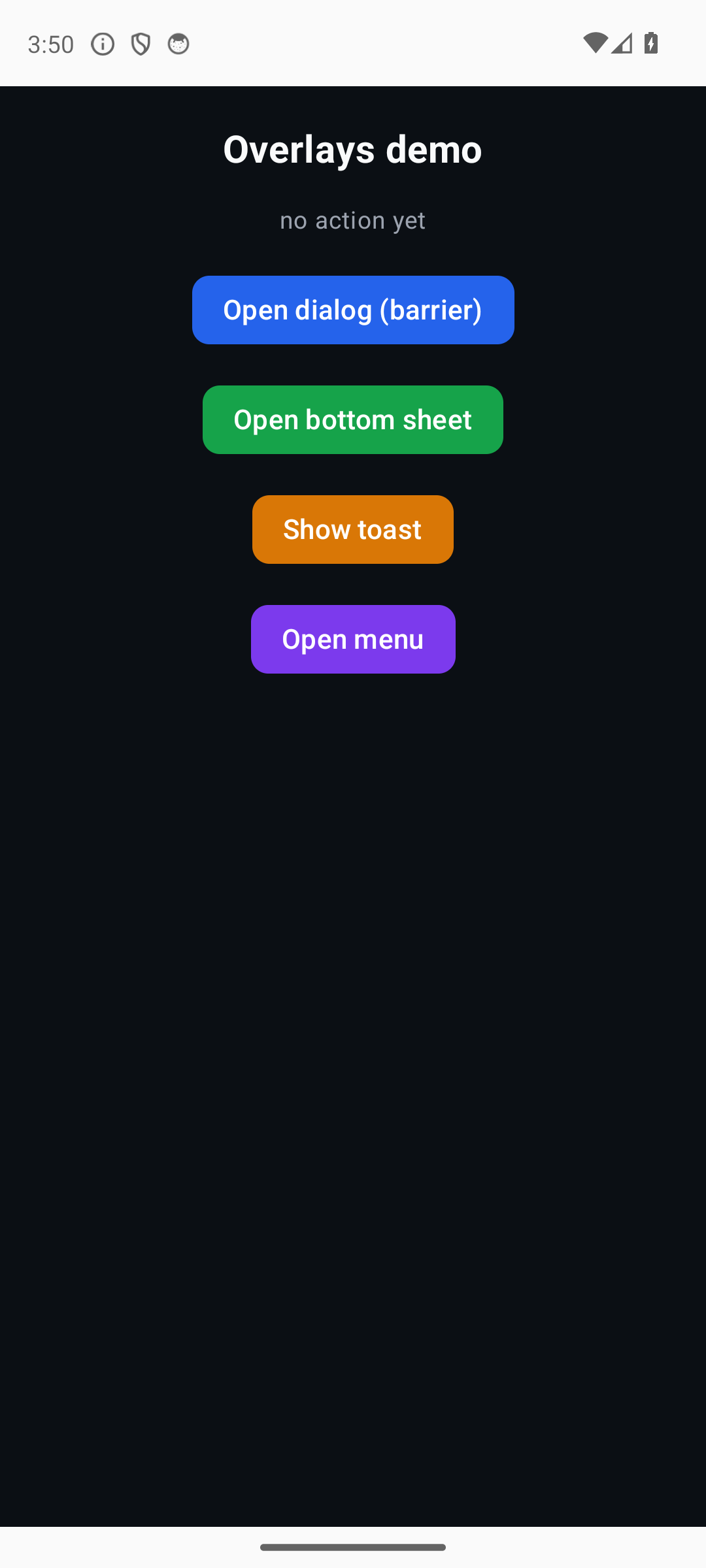
overlays |
Dialog, bottom sheet, menu and toast through the App imperative overlay API. |
The z-ordered overlay layer (E2). |
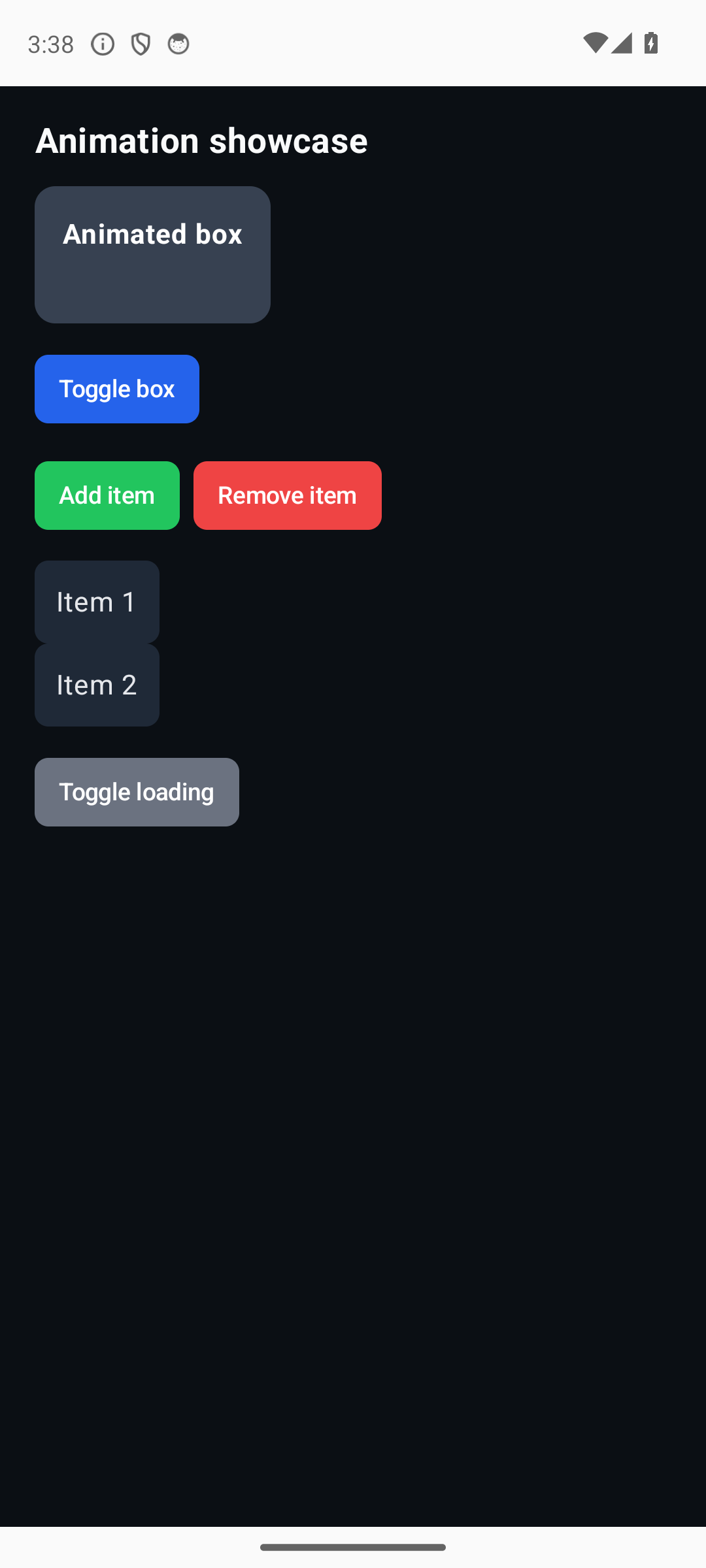
animation |
A box easing color/opacity, an animated list, Hero and Shimmer. |
AnimationController + Tween on the frame clock (E3). |
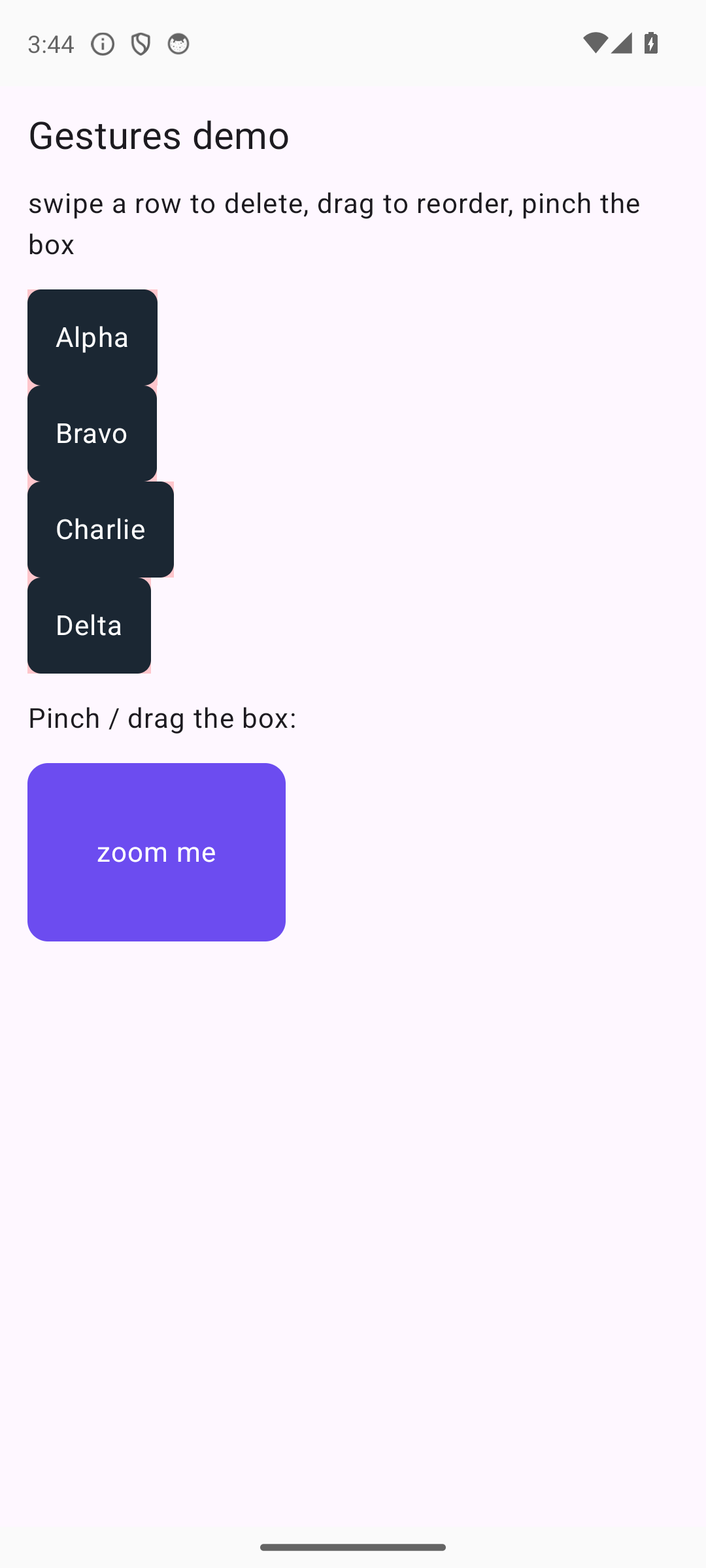
gestures |
Swipe-to-delete (Dismissible), drag-to-reorder and pinch-to-zoom. |
Advanced gestures (E4). |
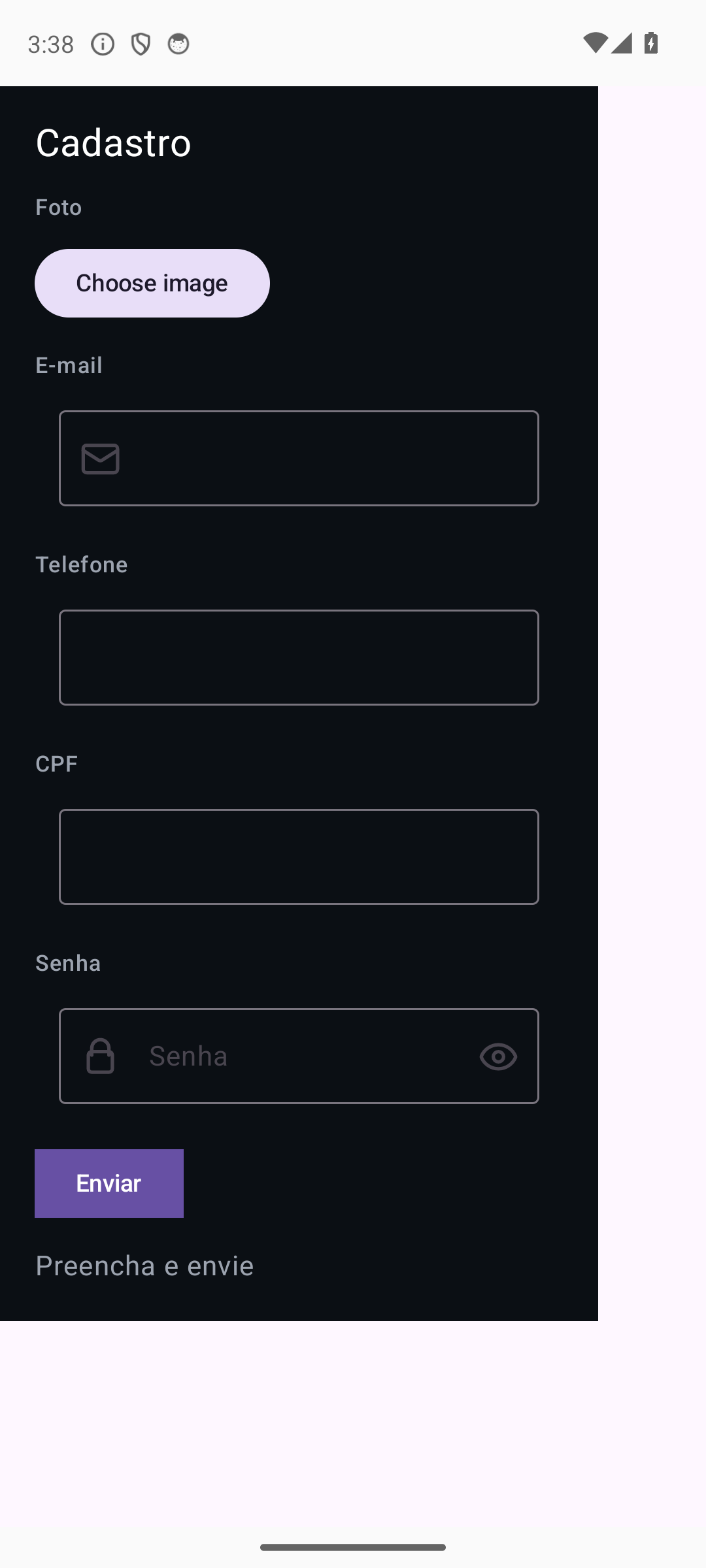
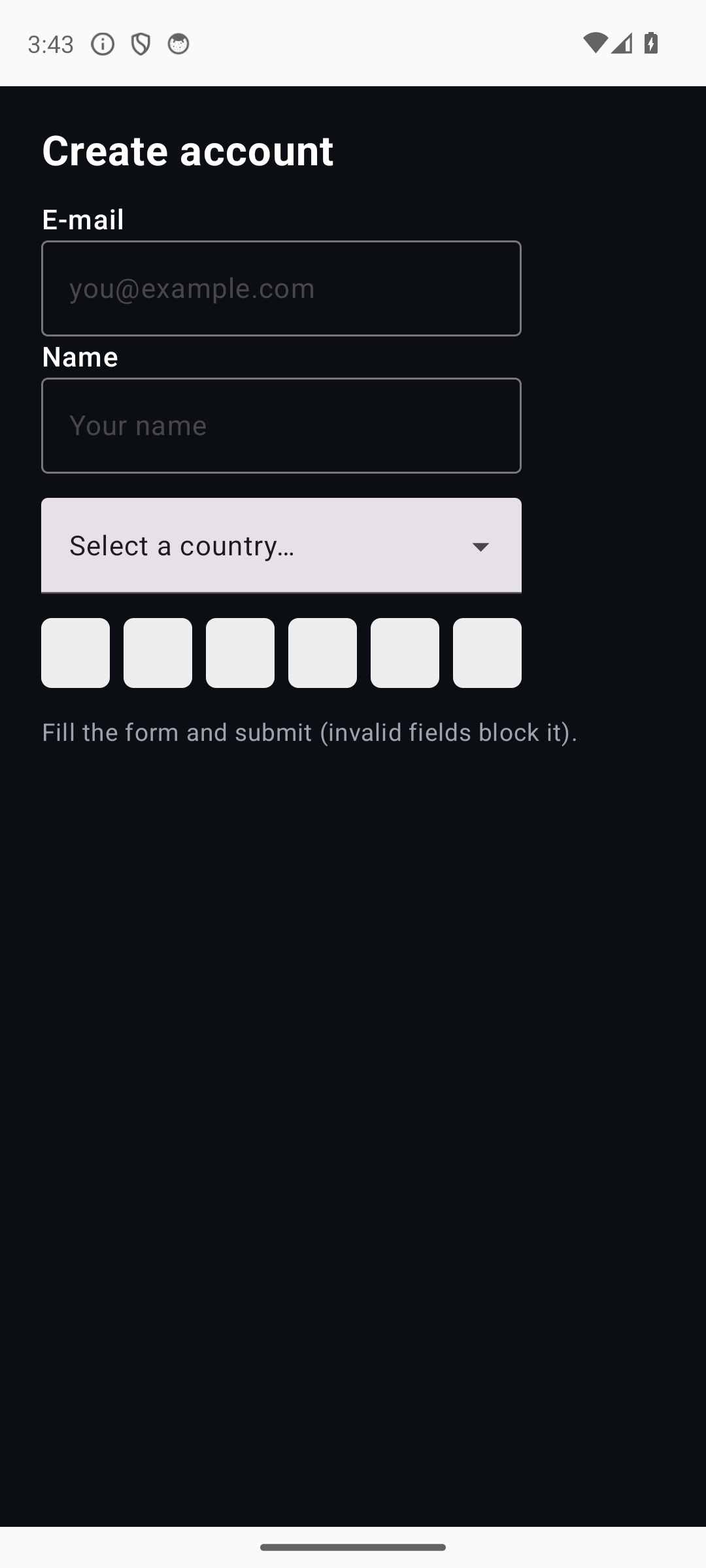
forms |
A Form of FormFields with typed validators (blocks invalid submit) + selection/segmented inputs. |
Python-side validation before patches (E5). |
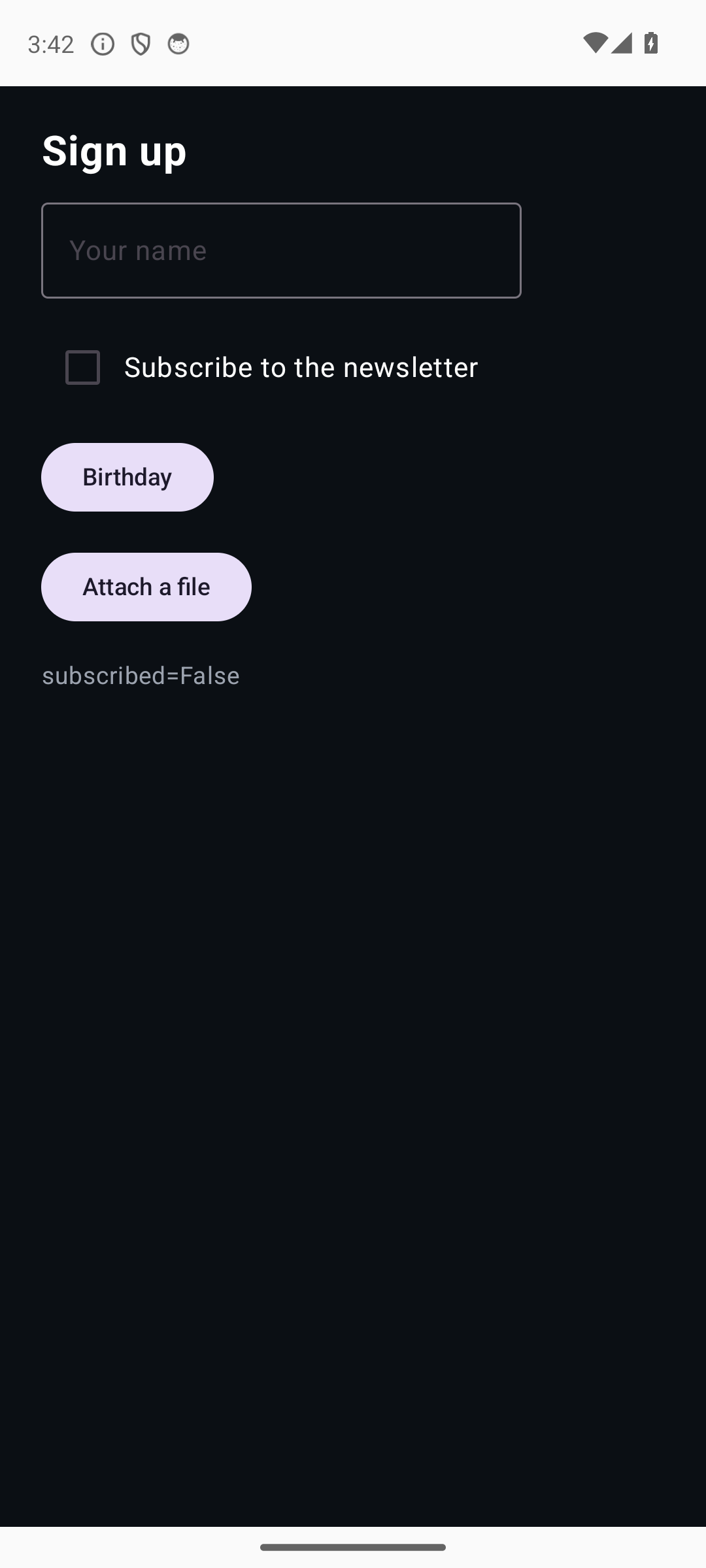
form |
The basic value-bearing inputs, each folding its typed event back into state. | Input / Checkbox / DatePicker / FilePicker + typed events. |
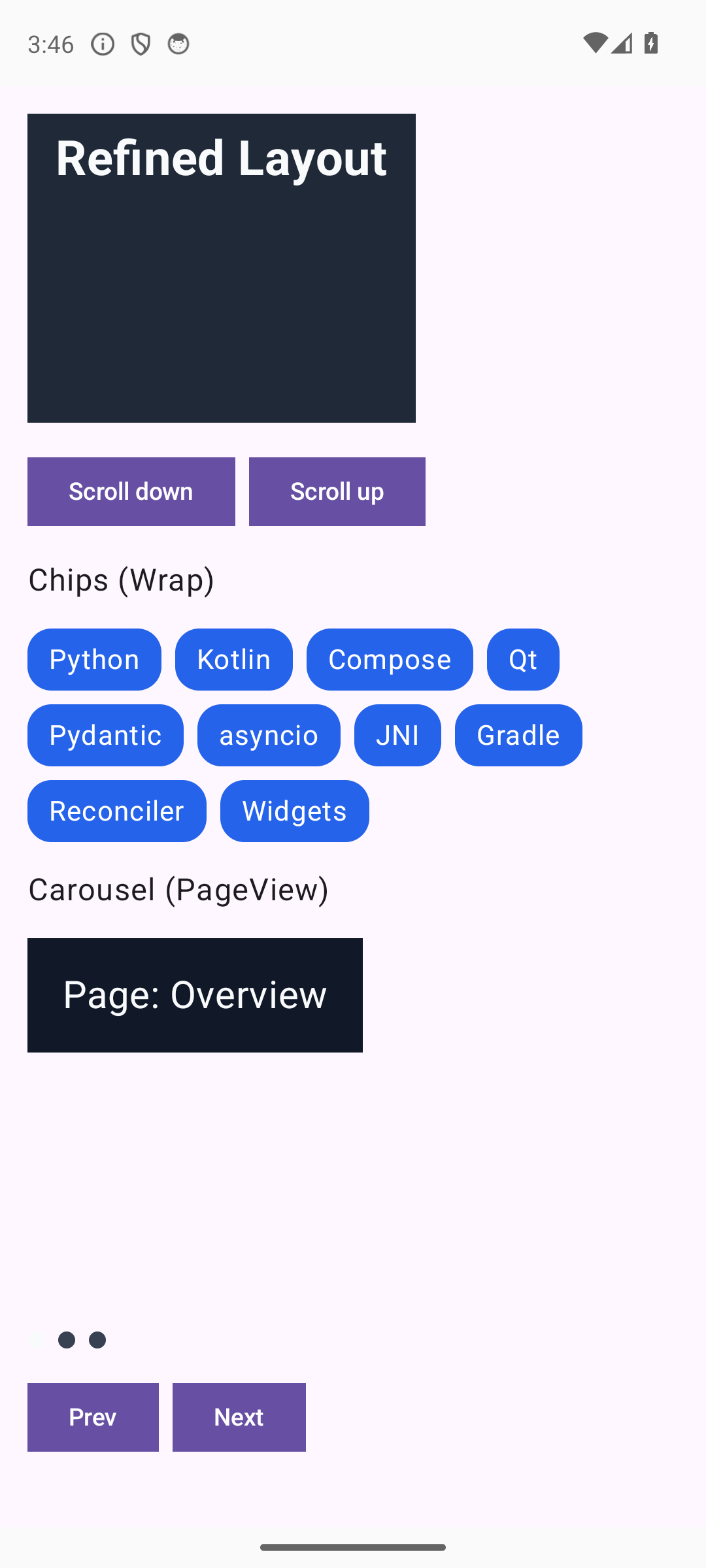
layout |
Wrap chips, a paginated PageView and a CollapsingAppBar that shrinks on scroll. |
Refined layout (E6). |
media |
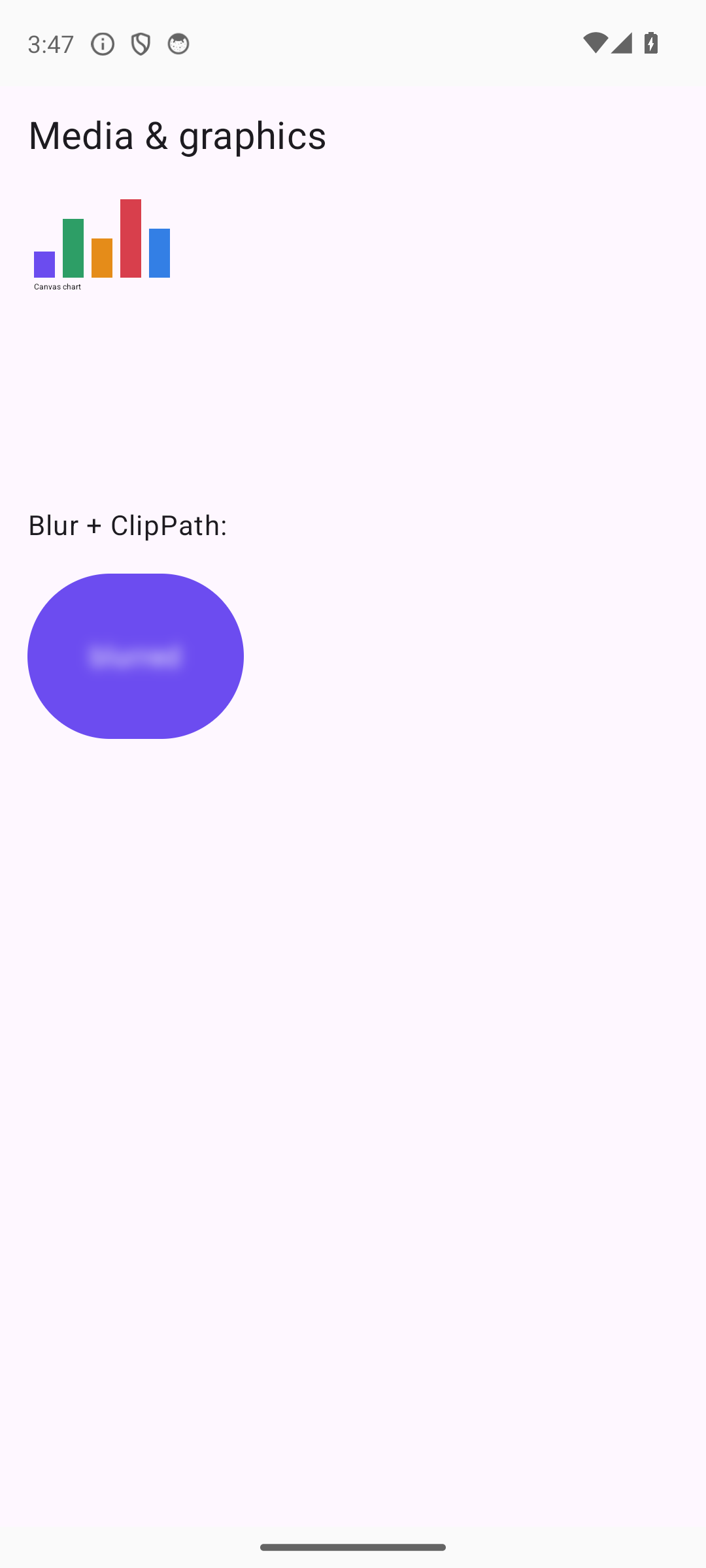
Canvas drawing, Svg, blur and clip. |
Media & graphics (E7). |
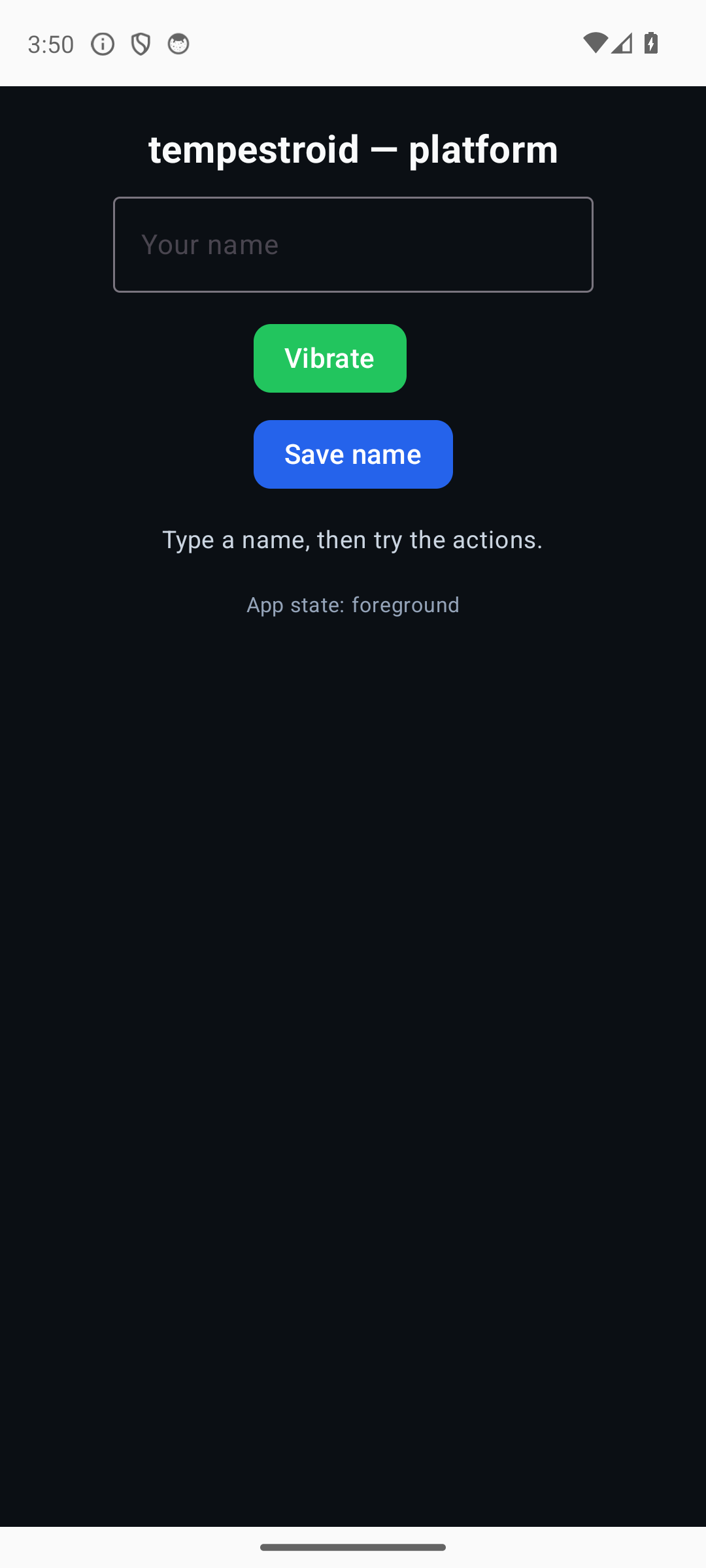
platform |
Haptics, real preferences, the lifecycle stream and KeyboardAvoidingView. |
Platform/system (E8) — runs on Qt and on device. |
theming |
A dark/light toggle (App.set_theme), a PT↔Arabic/RTL locale (App.set_locale) and Semantics. |
Cross-cutting: theme/i18n/accessibility (E9). |
Device & multi-file
| App | What it shows | Exercises |
|---|---|---|
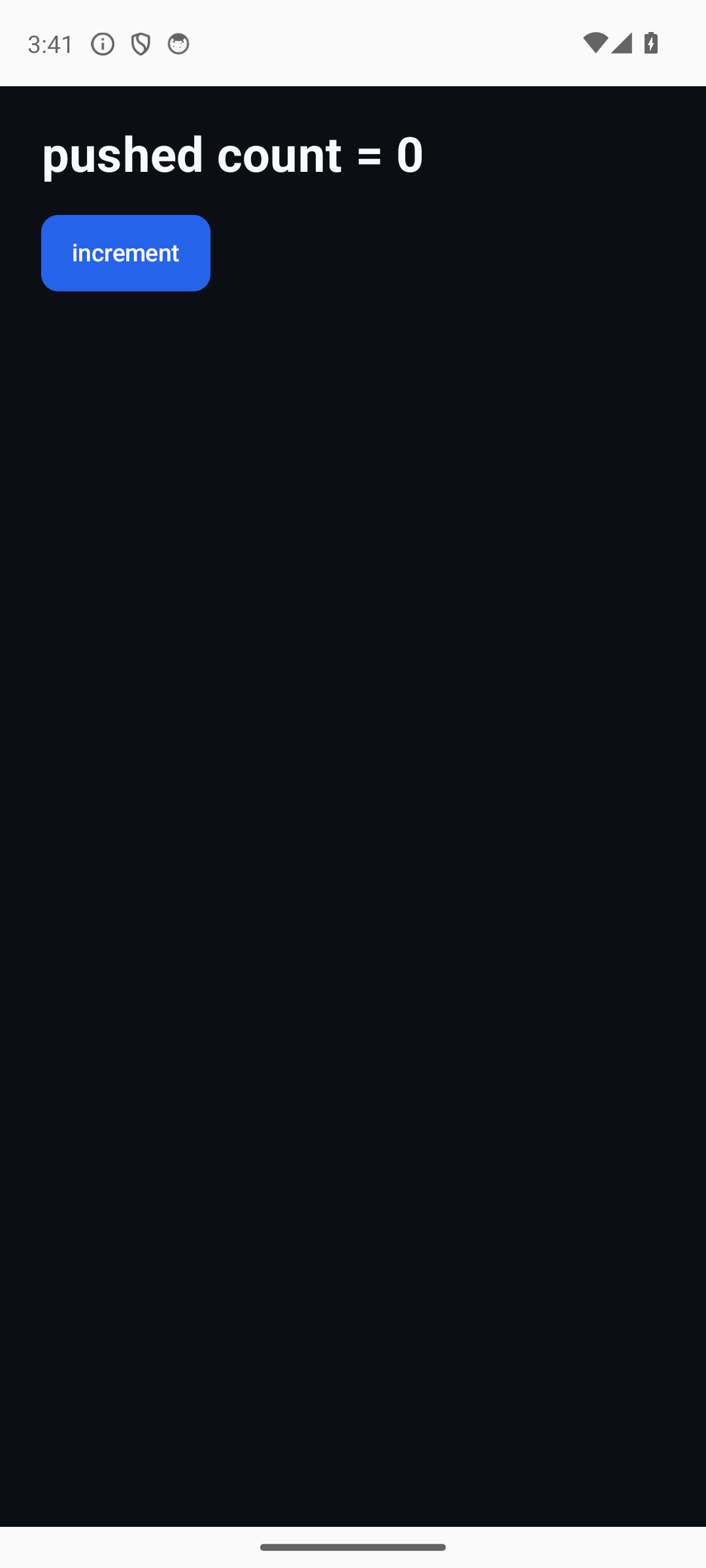
device_counter |
A minimal counter with no Qt import — the code-push target on the device. | Same contract, Qt-free (B5). |
native_caps |
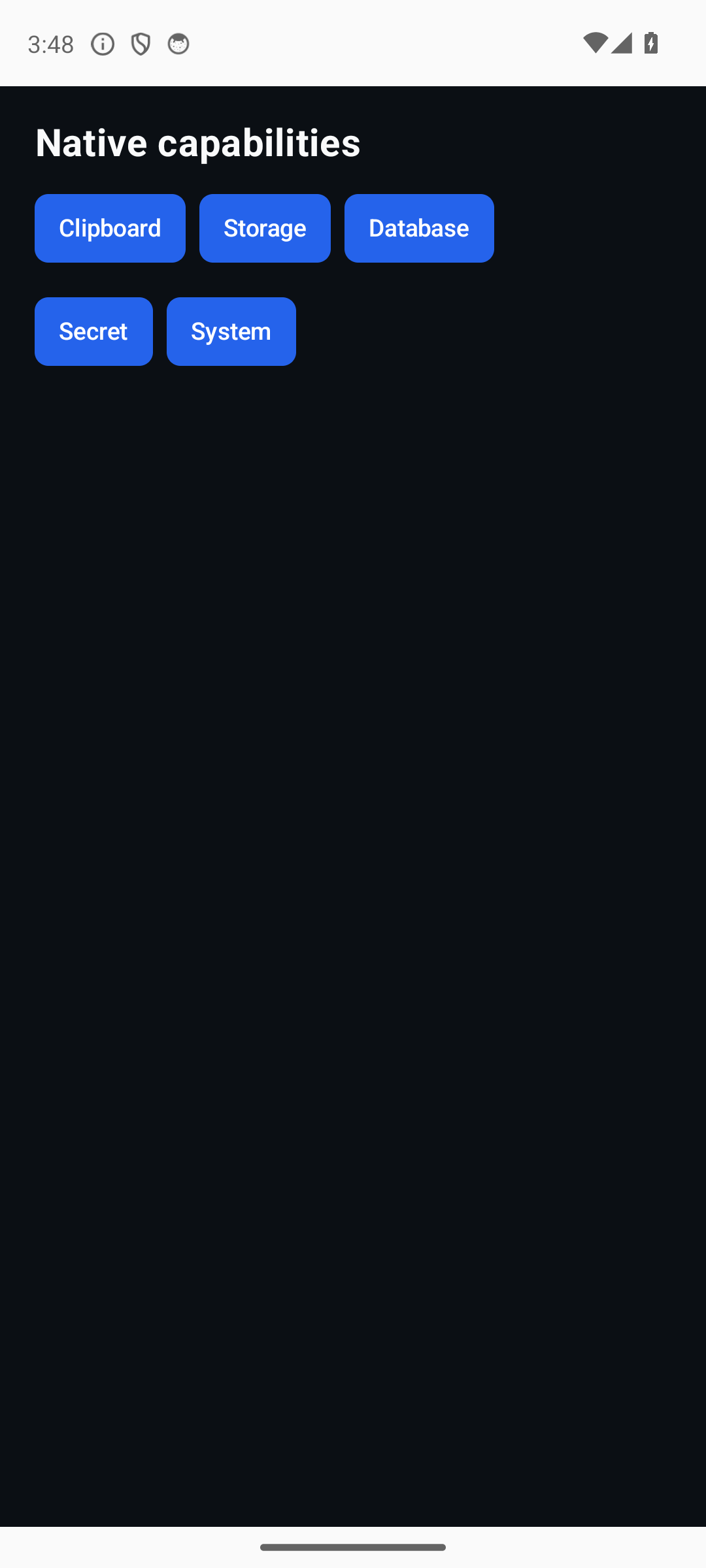
Native capabilities needing no extra config, each a typed request/response round-trip. | clipboard / storage / database (SQLite) / secure_storage / system (device-verified). |
sysverify |
An on-device verification harness for the capabilities that need real hardware. | Sensors / biometrics / push (device-only). |
multifile |
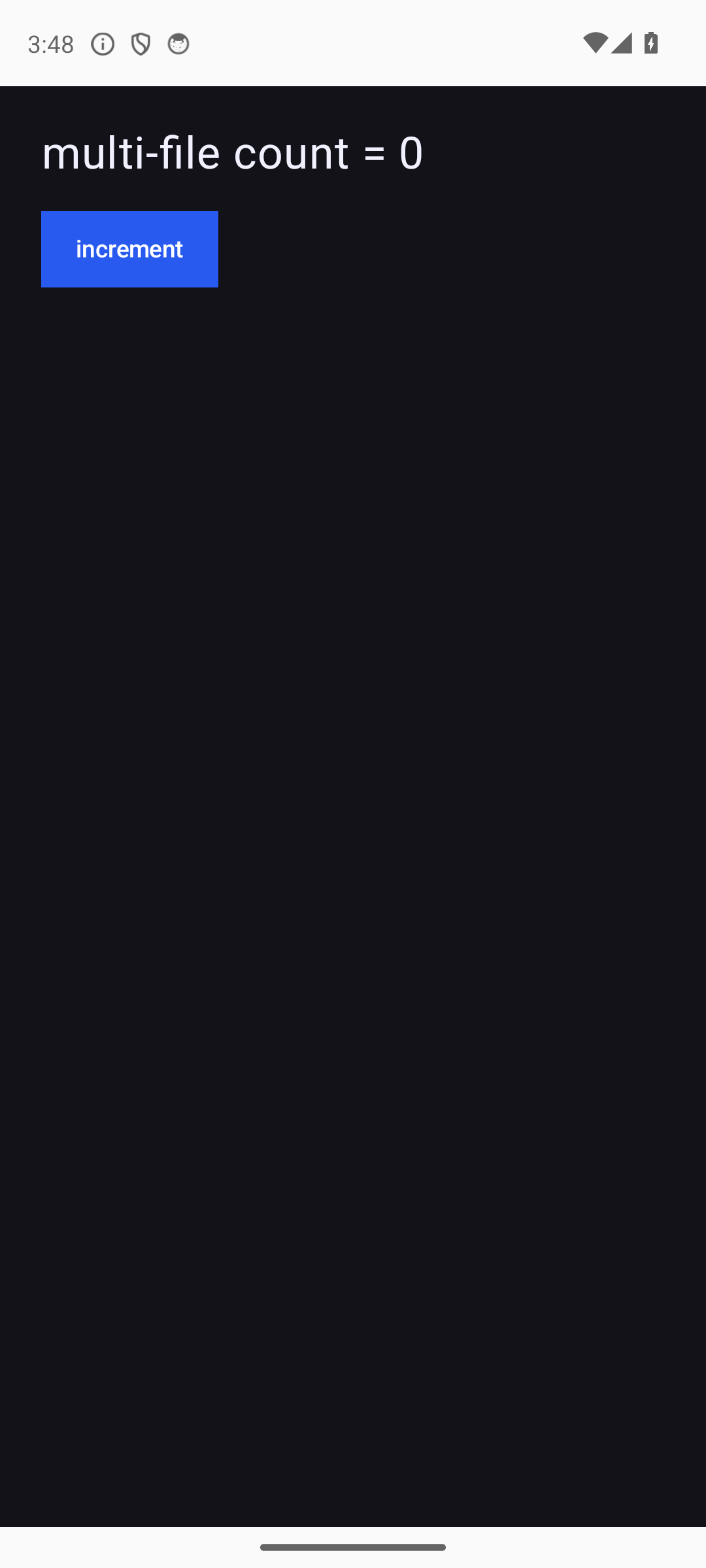
A multi-file project (main.py + a widgets/ package) — what tempest new --template multi generates. |
Whole-project bundle on sys.path (Track C). |
Track G — data & ML on device
tempestroid runs real CPython on the device, so the Python science stack runs
inside the app (see Data & ML on device). All are
device-verified on the x86_64 emulator. The vision ones
(visionspike/visionsmoke) need the [vision] extra + a --feature vision
build and use ort-vision-sdk through
the native onnxruntime-android AAR — no OpenCV, no onnxruntime/Pillow wheel.
| App | What it shows | Exercises |
|---|---|---|
onnxspike |
Minimal proof: import numpy + a computation run inside the embedded interpreter (green "numpy OK" screen). |
numpy-on-android (G0/G1). |
polarsspike |
import polars + group_by/aggregate + a CSV round-trip (write_csv→read_csv) run inside the embedded interpreter (green "polars OK" screen). |
Polars (Rust abi3 core) on device (G). |
sklearnspike |
import scipy + import sklearn: a LogisticRegression().fit(...).predict(...) runs on device (green "sklearn OK" screen). |
Science stack (scipy + scikit-learn) on device (G6). |
visionspike |
Full pipeline: a real image (banana.jpg) → native decode (BitmapFactory) → the SDK's Classifier via AarBackend → top-1 + latency. Model embedded or downloaded (VISIONSPIKE_MODEL_URL), fp32 .onnx or quantized .int8.ort (VISIONSPIKE_MODEL). |
G1 (AAR) + G2 (image) + G3 (tempest optimize) + G4 (delivery). |
visionsmoke |
Vision-stack smoke: import numpy + import ort_vision_sdk + a tiny compute — the green screen proves the vision feature staged them. |
Imports the vision feature stages (G1). |
Track H — design system (M3 + Chakra API)
The design-system galleries show the styled components phase by phase — each one
resolves its look from the Theme (M3 surfaces + the color_scheme accent), with
no hand-set colors. They run in the Qt simulator; storybook ties everything
into one navigable app with live light/dark + LTR/RTL toggles.
| App | What it shows | Phase |
|---|---|---|
h1buttons |
Button variants (solid/outline/ghost/link) × size × color_scheme + states (hover/press/disabled/focus). |
H1 |
h2gallery |
Action & input kit: Button/IconButton/Input/Checkbox/Switch/Slider/Select + BR inputs. |
H2 |
h3gallery |
Surface & layout: Card (elevated/filled/outlined)/Surface/Divider/ListTile + stack helpers. |
H3 |
h4gallery |
Data display & feedback: Badge/Alert/Stat/ProgressStepper/ProgressBar with status families (success/warning/info). |
H4 |
h5gallery |
Styled navigation: AppBar/Header/Tabs/NavBar/SearchBar/Breadcrumb — M3 surfaces + selected-item accent. |
H5 |
h6gallery |
Faux vision dashboard: DetectionOverlay + MetricCard/ConfidenceBadge + BarChart/LineChart + DataTable. |
H6 |
storybook |
The whole design system in one navigable app: Tabs per category + a specimen of each H1–H6, light/dark + LTR/RTL toggles re-skinning it all live. |
H7 |
Current widget set
Both renderers — the Qt simulator (desktop) and Compose (device) — support
the full Track E set. The old "Compose only renders five widgets" gap is gone:
the value-bearing inputs (Input / TextArea / Checkbox / Switch /
Slider / Dropdown / DatePicker / FilePicker / …) render natively on the
device via Jetpack Compose and fold their typed events back into state. Parity
is pinned by the conformance suite (golden snapshots of both Style → Qt and
Style → Compose translators) and was verified on a device across E0–E9.
Coverage (both renderers, unless noted):
| Category | Widgets |
|---|---|
| Layout | Column / Row / Container / Stack / Wrap / ScrollView / SafeArea / AspectRatio / PageView / KeyboardAvoidingView |
| Text & action | Text / Button / Icon / Image (on_click) |
| Value inputs | Input / TextArea / Checkbox / Switch / Slider / RangeSlider / Dropdown / DatePicker / TimePicker / FilePicker / PinInput / MaskedInput / Autocomplete / Form / FormField |
| Virtualized lists | LazyColumn / LazyRow / LazyGrid / SectionList (+ pull-to-refresh, infinite scroll) |
| Navigation | Navigator / TabView / TabBar / RouteDrawer |
| Overlays | Dialog / BottomSheet / Menu / Popover / Toast / Tooltip / ActionSheet |
| Animation | Animated / AnimatedList / Hero / Shimmer / Skeleton |
| Gestures | GestureDetector / PanHandler / ScaleHandler / DoubleTapHandler / Draggable / DragTarget / Dismissible / ReorderableList / InteractiveViewer |
| Media & graphics | Canvas / Svg / VideoPlayer / WebView / Blur / BackdropFilter / ClipPath |
| Indicators | ProgressBar / Spinner |
Media/camera divergence (device-only)
A few hardware widgets — CameraPreview / QrScanner / MapView — render
only on the device (Compose) and show up as a signalled placeholder on
Qt, not the other way around. Per-field divergences between the two
translators are documented in the conformance suite (tests/conformance/).
The form and gallery examples exercise the real value inputs — in the
simulator and on the device. Apps like calculator stay keypad-driven by
app design, not by a renderer limit.
Stable handlers
Rebuilds compare handler props by identity, so a fresh lambda each build
reads as a prop change (a known limitation). The examples still emit correct
patches — just more than the strict minimum. Prefer stable handler references
in production apps.
On-device screenshots (x86_64 emulator, no physical hardware)
Captured without a physical device
Most were rendered by the Compose renderer on a headless x86_64
emulator (make emulator-verify / toolchain/validate_gallery.sh) — zero
hardware; the design-system galleries (h1buttons–h6gallery + storybook) are Qt
simulator captures. stopwatch (animated) is left for a GIF re-capture (see
Animated).
 animation |
 brforms |
 calculator |
 colorpicker |
 counter |
 device_counter |
 form |
 forms |
 gallery |
 gestures |
 icons |
 layout |
 lists |
 media |
 multifile |
 native_caps |
 navigation |
 overlays |
 platform |
 shell |
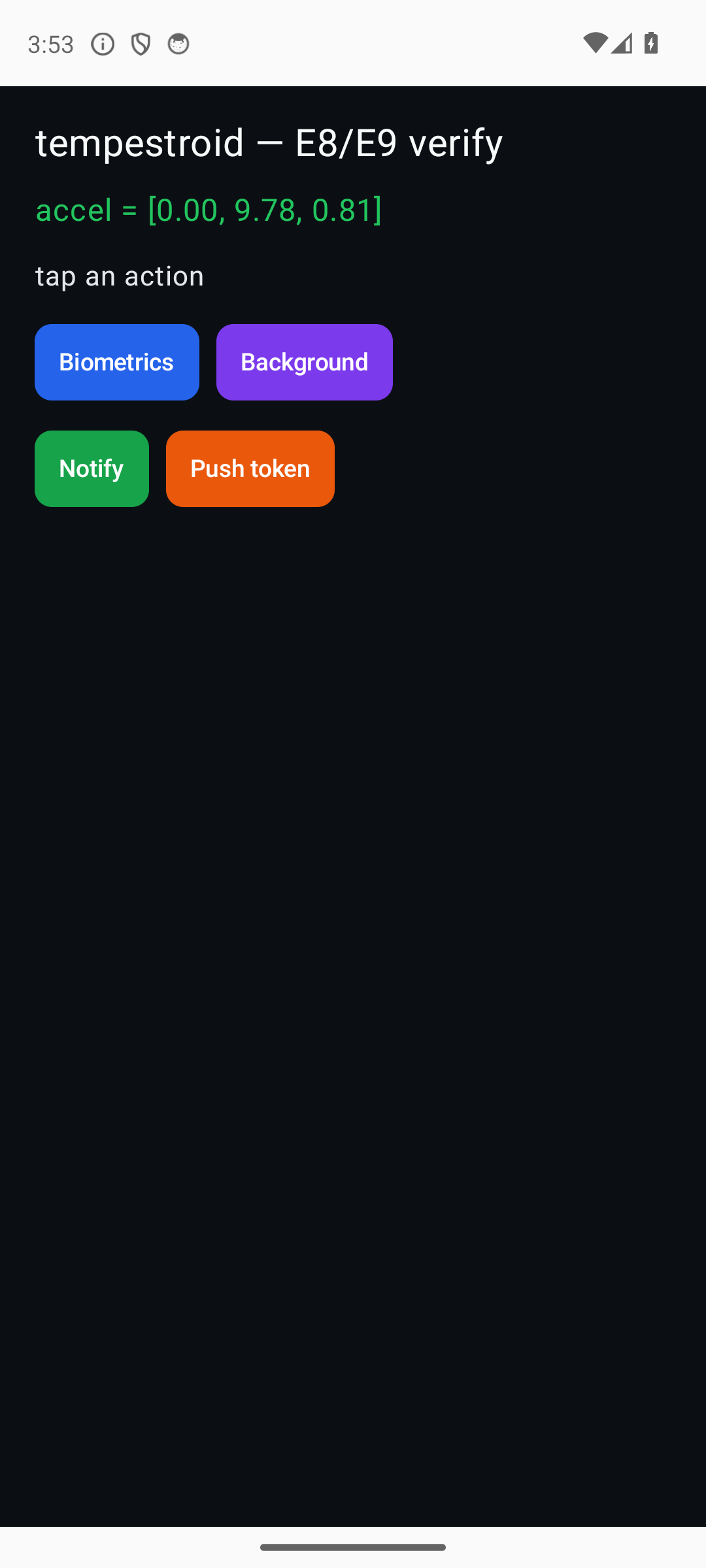 sysverify |
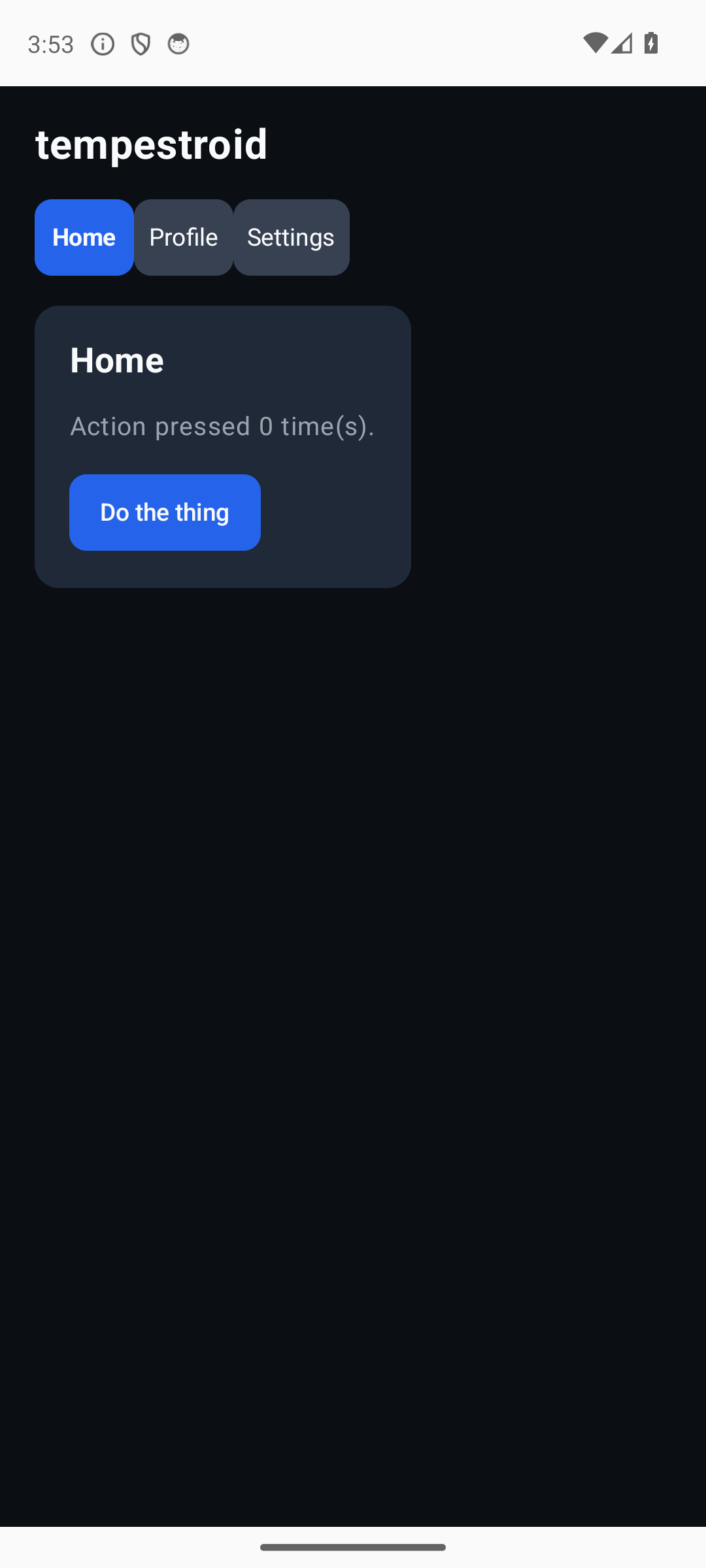 tabs |
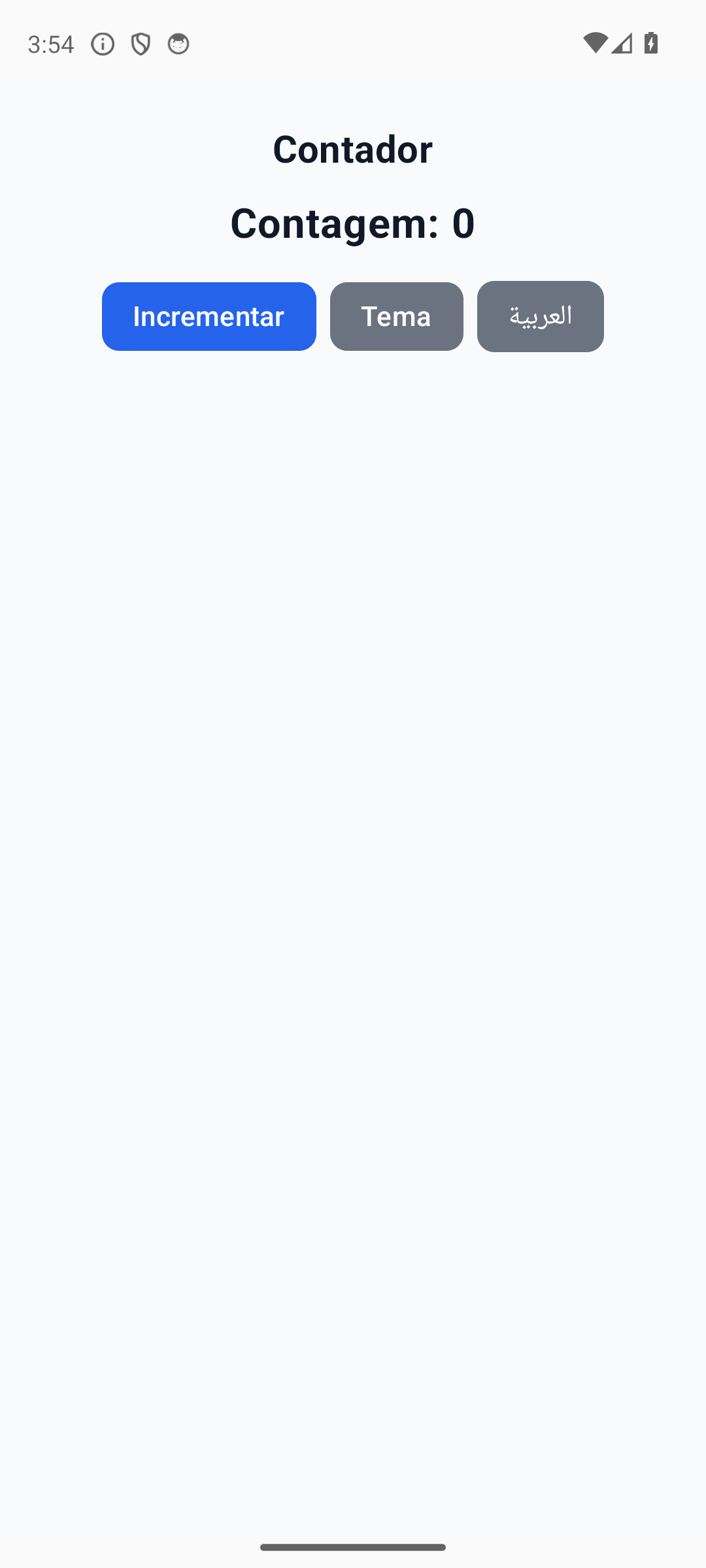 theming |
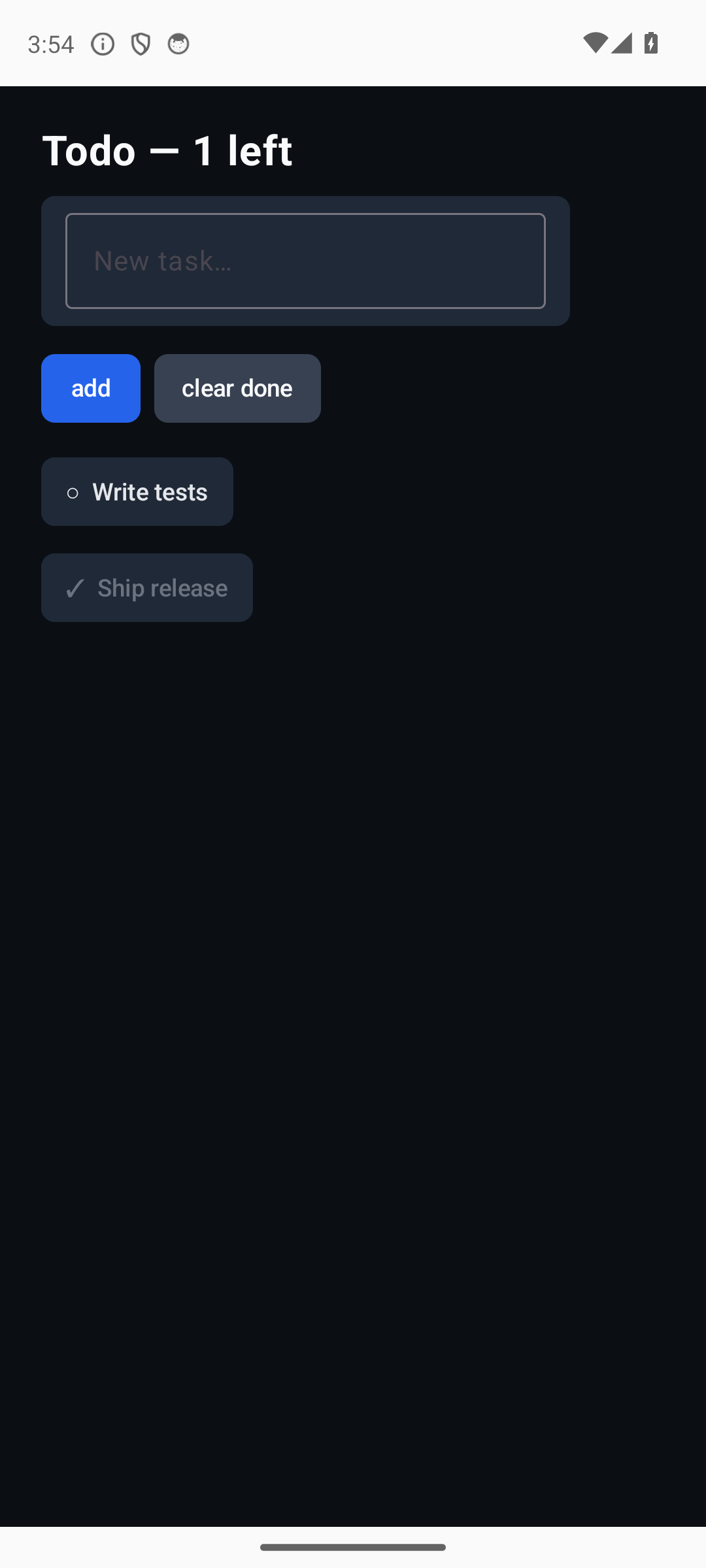 todo |
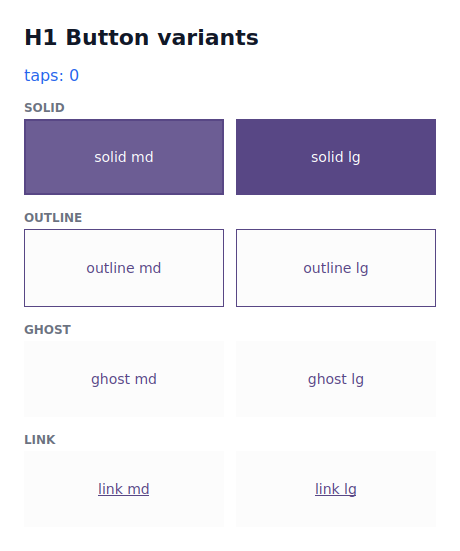 h1buttons |
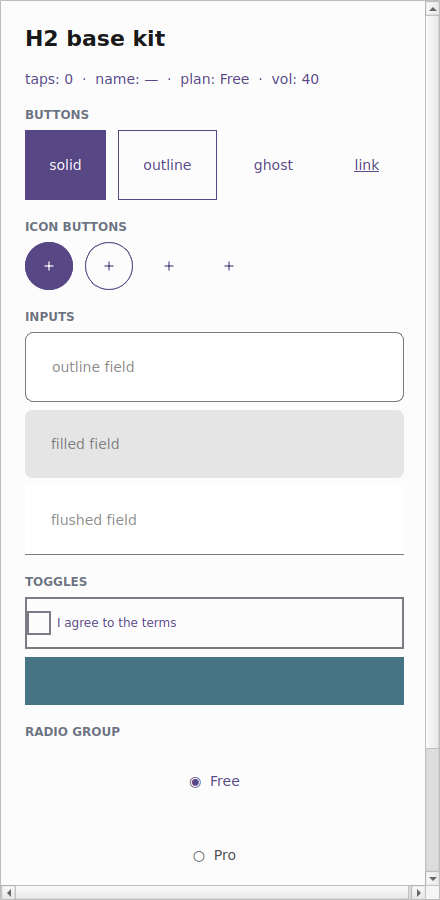 h2gallery |
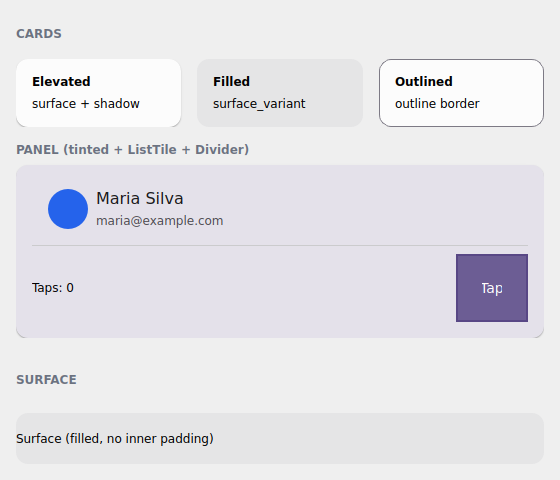 h3gallery |
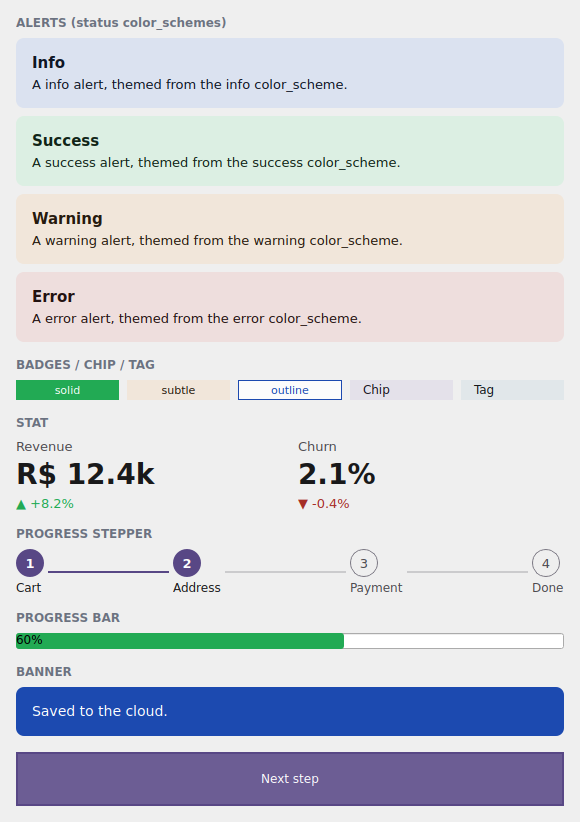 h4gallery |
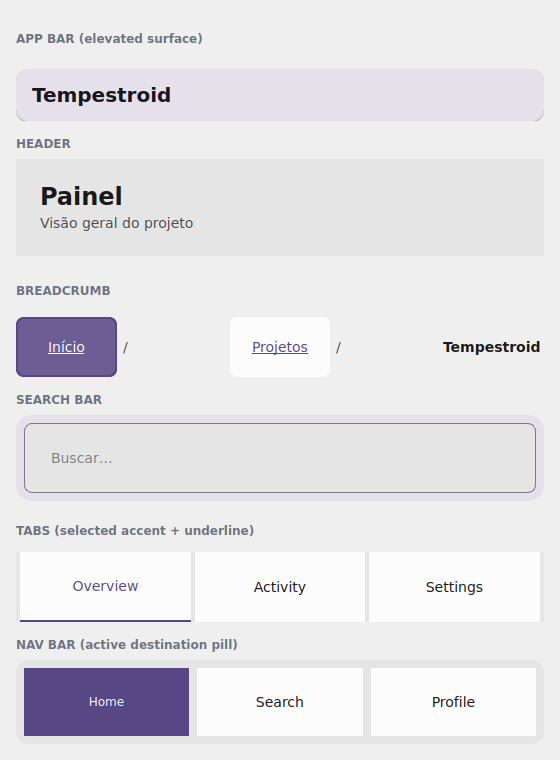 h5gallery |
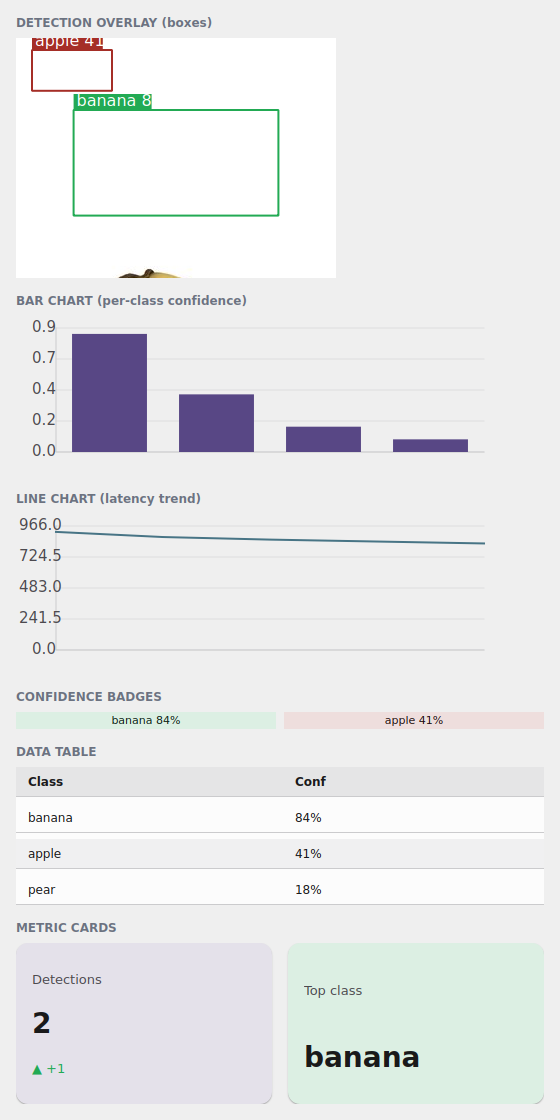 h6gallery |
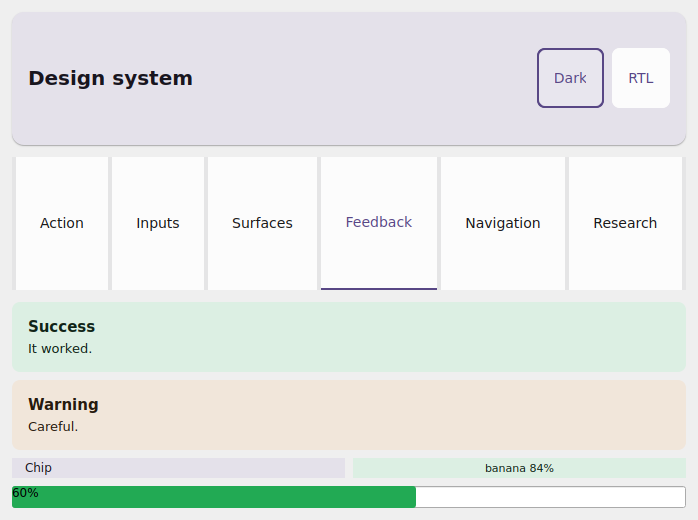 storybook |
The design-system galleries (h1buttons–h6gallery + storybook) accompany the
design system — see the
Track H table above. storybook also has
dark (storybook-dark.png) and RTL (storybook-rtl.png) captures, proving the
toggles re-skin the whole system.
Animated
Examples with motion (animation, gestures, stopwatch) need a GIF — a
static PNG can't show the animation. The toolchain/capture_gif.sh harness
bursts on-device frames and assembles the GIF (via toolchain/frames_to_gif.py).
Since these examples are static at rest, trigger the animation with
TAP_X/TAP_Y before the burst: